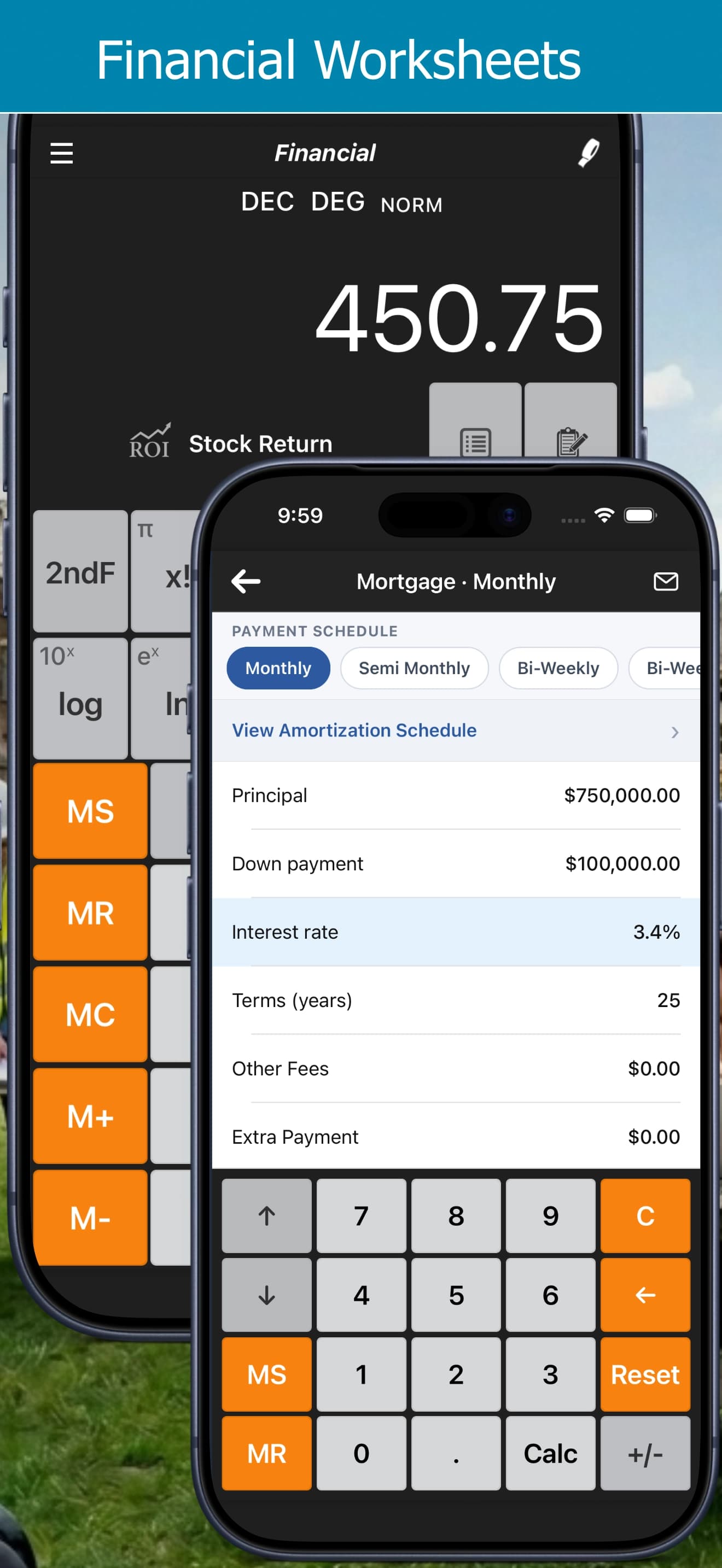
Mortgage Calculator Guide: Extra Payments, Bi-Weekly Schedules and Amortization
See how extra payments and accelerated bi-weekly or weekly schedules pay off a mortgage years sooner, with Calc Pro's mortgage calculator.
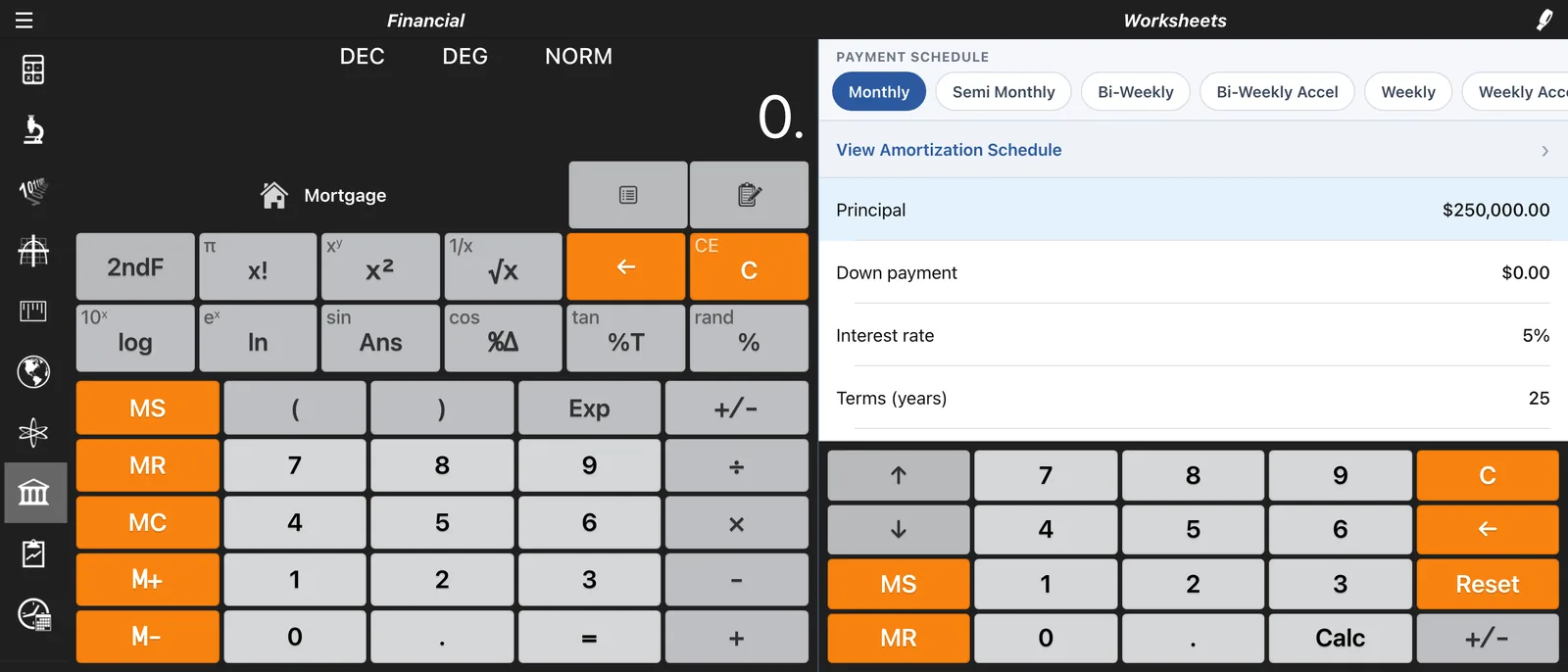
A mortgage is probably the biggest loan you'll ever take on, and small changes to how you pay it can save tens of thousands of dollars. Calc Pro's Mortgage worksheet shows you exactly how much, whether you add a little extra each month or switch to an accelerated bi-weekly schedule.
Opening the Mortgage Worksheet
Try it free in your browser: Mortgage Calculator
- Open the Financial calculator from the side menu
- Tap Mortgage in the list of worksheets
The Mortgage worksheet is included free in the iPhone and iPad app.
The Fields
| Field | What to enter |
|---|---|
| Principal | The price of the home, or the amount you're borrowing |
| Down Payment | What you're paying up front |
| Interest Rate | The annual rate, e.g. 6.5 for 6.5% |
| Term (Years) | The length of the mortgage |
| Other Fees | Any fees added to the loan |
| Extra Payment | Extra principal you'll pay with each payment |
Calc Pro then shows your Payment, Total Interest, Total Repaid, and, when you add an extra payment, the Interest Saved and Months Saved.
Example 1: A Standard Mortgage
A $400,000 mortgage at 6.5% over 30 years, paid monthly:
- Payment: $2,528.27 a month
- Total Interest: $510,177.95
- Total Repaid: $910,177.95
Over 30 years you'd pay more in interest than the home cost.
Example 2: Add $200 a Month
Enter 200 in Extra Payment:
- Total Interest: $398,286.42
- Interest Saved: $111,891.54
- Months Saved: 67, so the mortgage is paid off about five and a half years early
An extra $200 a month saves more than $110,000.
Example 3: Accelerated Bi-Weekly Payments
Choose your payment schedule in Options → Financial → Payment schedule (Mortgage):
- Monthly, semi-monthly, bi-weekly, weekly or bi-monthly
- Each also has an accelerated version
The accelerated schedules are the ones that save money. Bi-Weekly Accel pays half your monthly payment every two weeks. That's 26 half-payments a year, or 13 full monthly payments instead of 12, so the extra payment goes straight to principal.
Same $400,000 mortgage at 6.5% over 30 years:
| Schedule | Payment | Total Interest | Paid off in |
|---|---|---|---|
| Monthly | $2,528.27 | $510,177.95 | 30 years |
| Bi-Weekly | $1,166.34 | $509,749.06 | 30 years |
| Bi-Weekly Accelerated | $1,264.14 | $392,682.25 | about 24 years |
| Weekly Accelerated | $632.07 | $392,187.75 | about 24 years |
Plain bi-weekly barely changes anything, because it spreads the same yearly amount over more payments. Accelerated bi-weekly saves about $117,500 in interest.
Amortization Schedules
Tap View Amortization Schedule to see every payment, split into principal and interest, along with the balance remaining. In the iPhone and iPad app this is a Pro Premium feature.
Early payments are mostly interest. For the $400,000 mortgage above:
| Payment | Principal | Interest | Balance |
|---|---|---|---|
| 1 | $362 | $2,167 | $399,638 |
| 180 | $951 | $1,577 | $290,237 |
| 360 | $2,515 | $14 | $0 |
Halfway through the mortgage, you still owe almost three quarters of the loan. That's why extra payments made early save the most.
Tips
- Check your lender's schedule. Some lenders offer accelerated bi-weekly payments; others need you to ask.
- Extra payments work best early. A dollar of extra principal in year one saves far more interest than a dollar in year twenty.
- Compare, don't guess. Try a few extra-payment amounts and watch Interest Saved to find what's worth it for you.
- Share the numbers. With Pro Premium, save or e-mail the worksheet as a PDF to talk it through with your lender or partner.
For every other worksheet, see the Financial Calculator guide.

Calc Pro
4.6 · 4,712 ratingsPut the Financial Calculator to work
Use it free in your browser right now, or take Calc Pro with you on iPhone and iPad.
Take it with you




Free with ads · In-app purchase unlocks the full Pro Premium version