

Calc Pro Free Online Calculator
4.6 · 4,712 ratings

 Coming soon
Precision meets elegance. Ten calculators in one, free in your browser, designed for students, engineers, scientists, and financial experts.
Issue? Feature Requests? Comments?
How to Get Started
Master the power of Calc Pro HD in minutes with this quick start guide.
Select Your Calculator
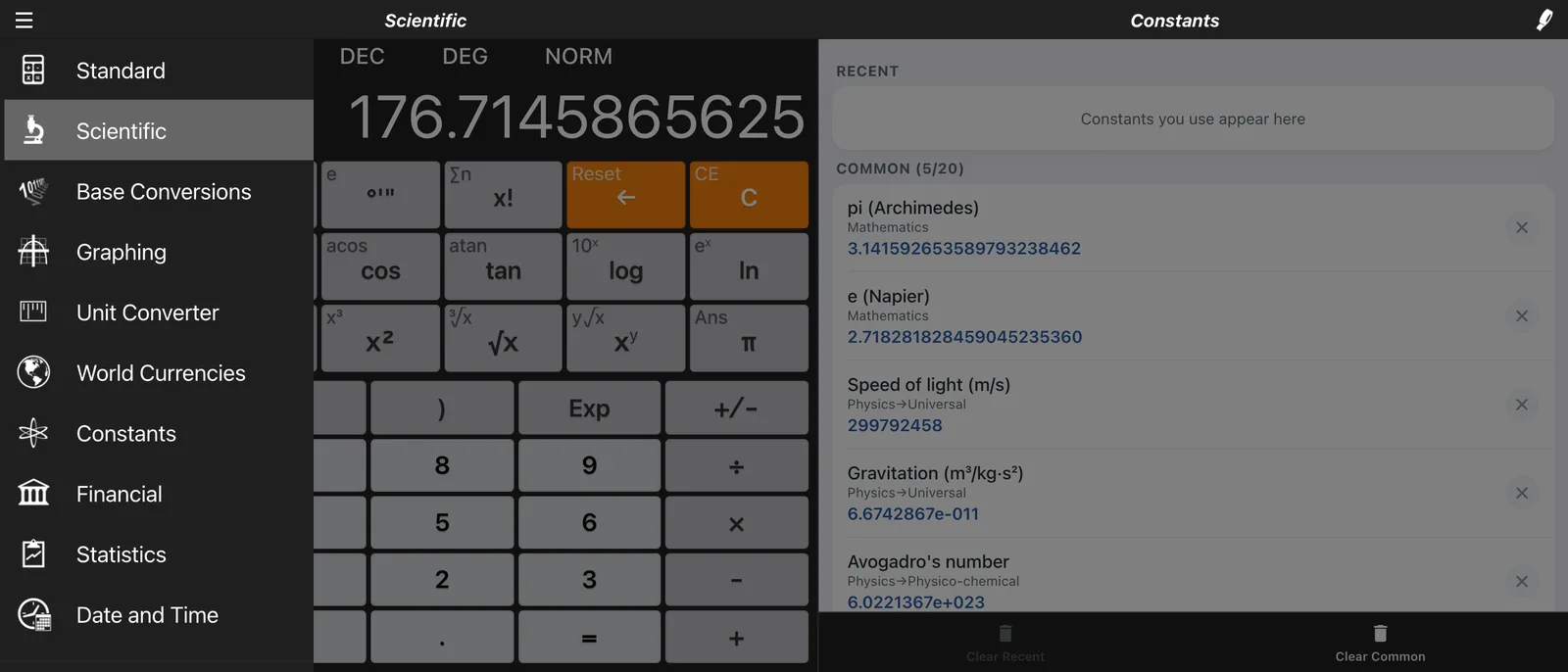
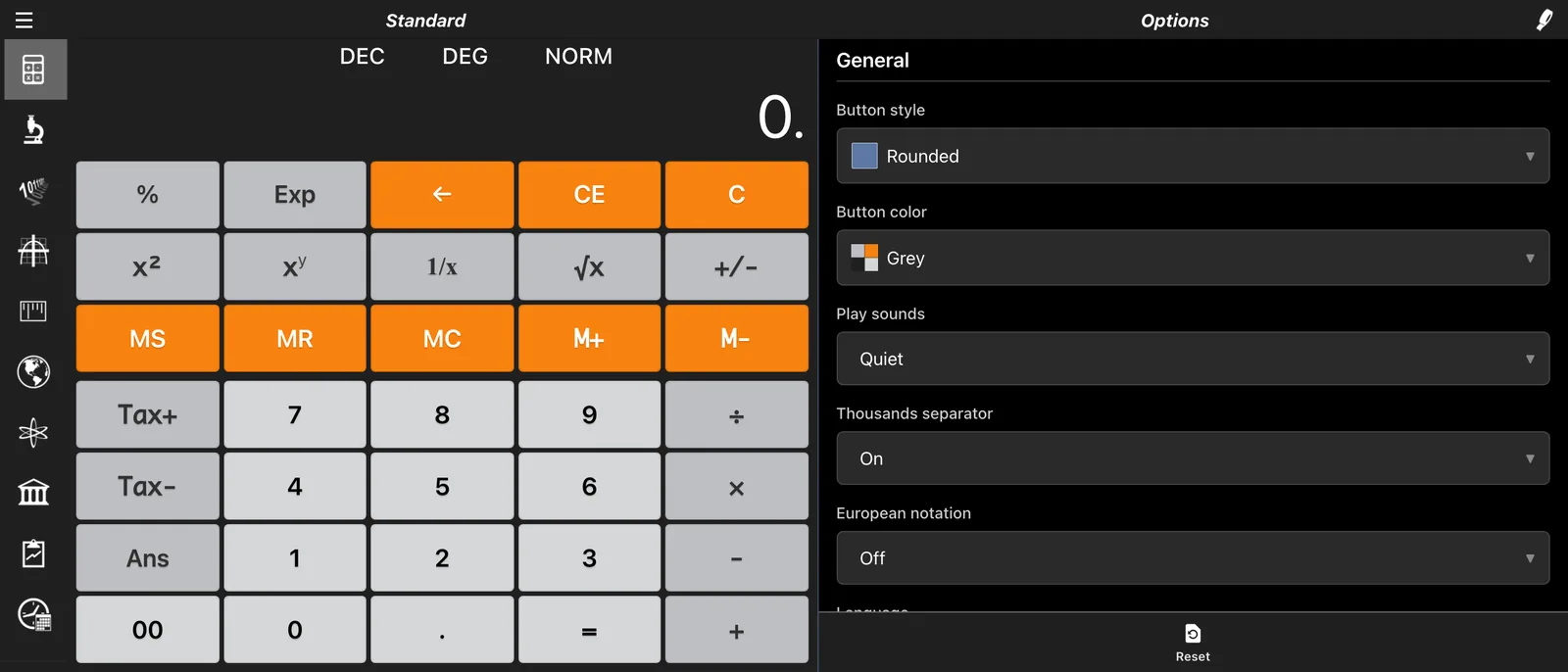
Access 10 specialized calculators from the side menu. Click the Menu Icon (☰) in the top-left corner to switch between Standard, Scientific, Financial, Graphing, and more.
Pro Tip: Use the "Scientific" mode for advanced trigonometry or "Base Conversions" for programming tasks.
Access Advanced Functions
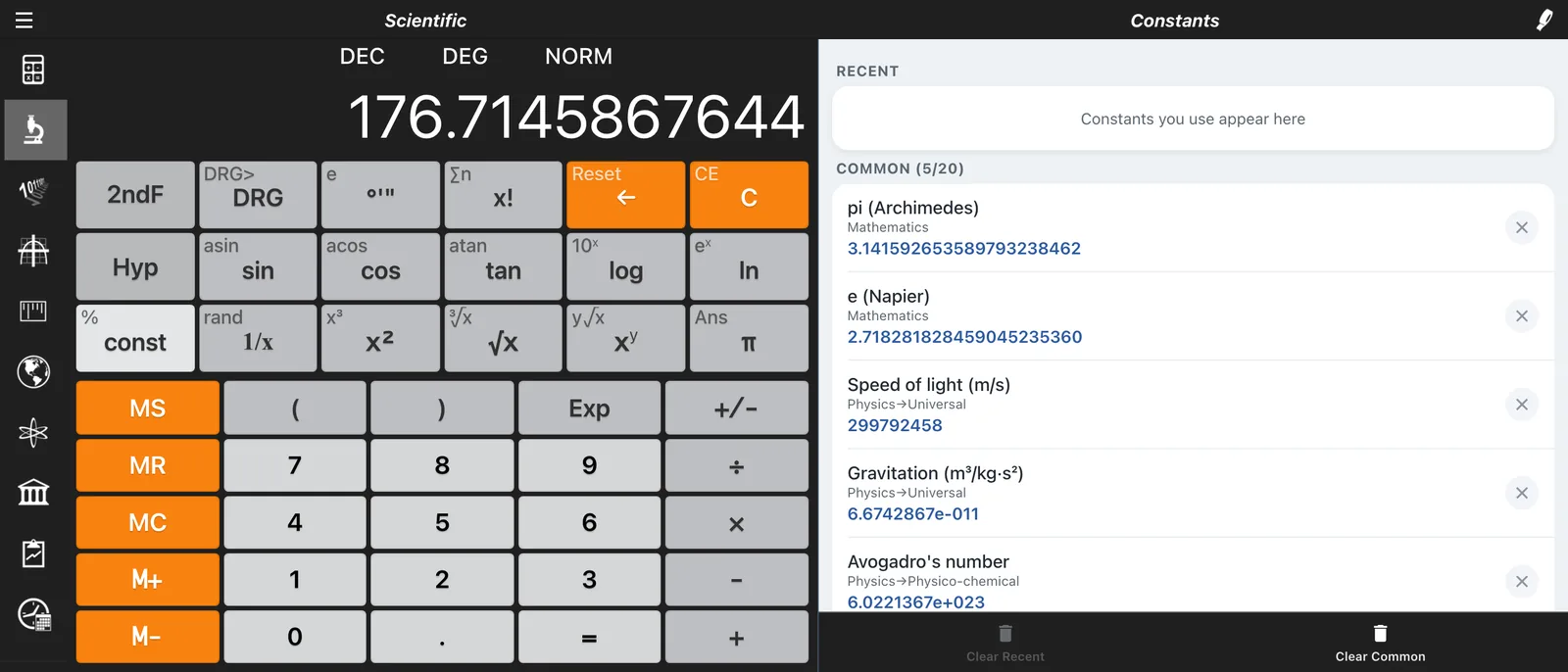
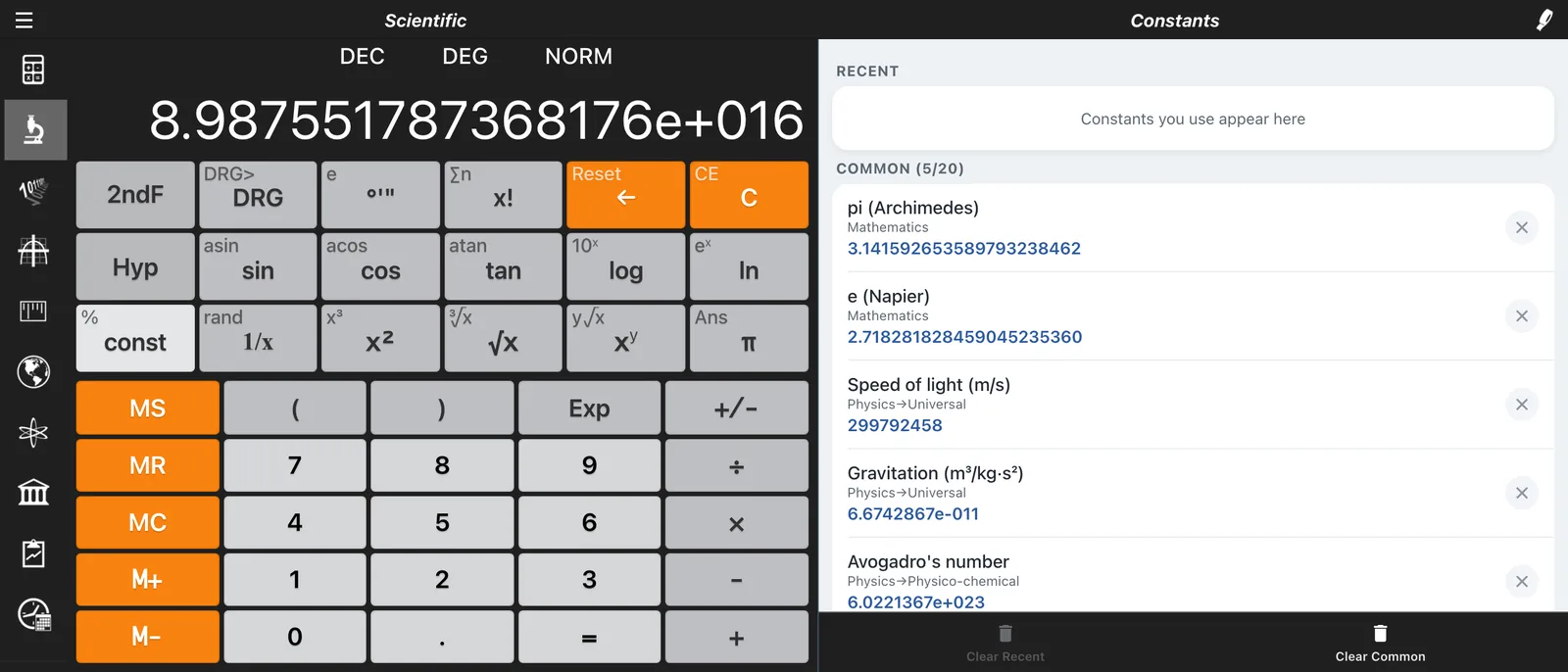
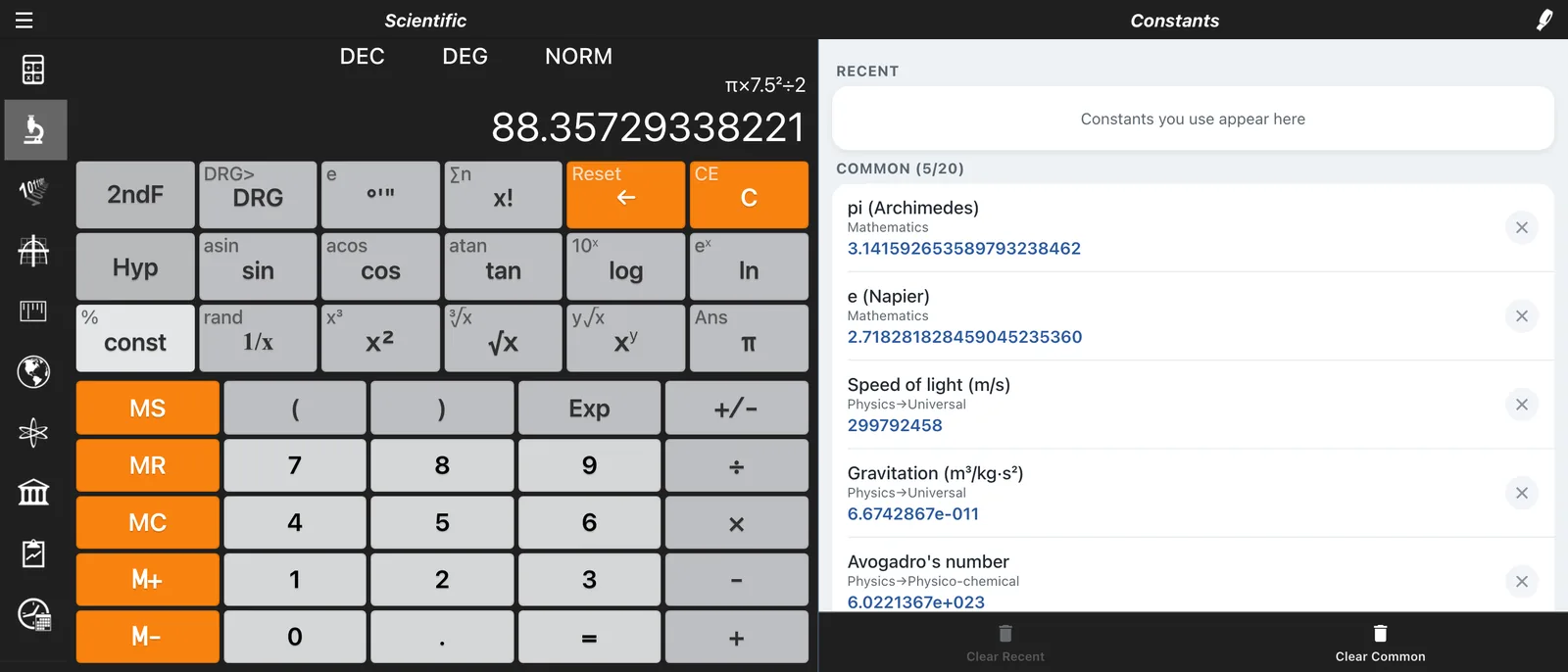
In Scientific mode, use the yellow 2ndF button to unlock secondary functions (like sin⁻¹, eˣ, and hyperbolic functions).
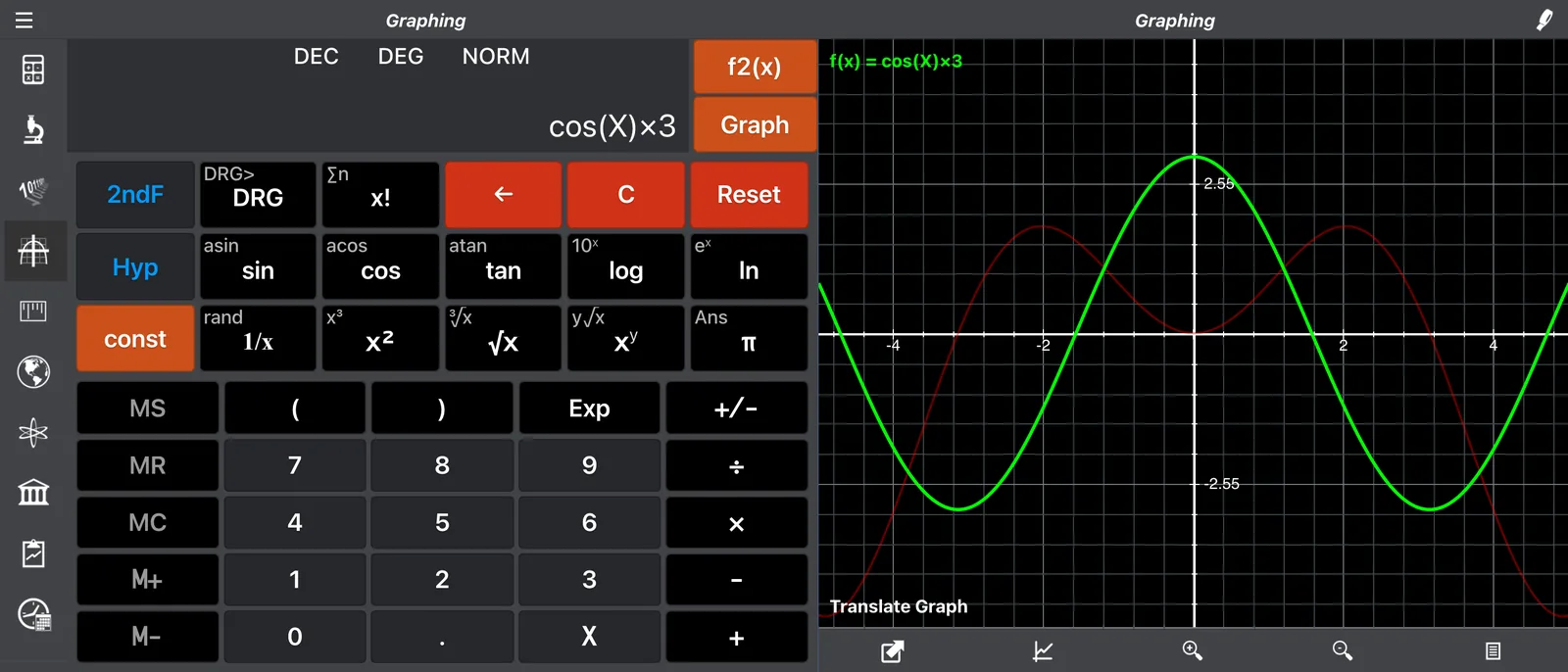
- Graphing: Enter up to 8 equations simultaneously
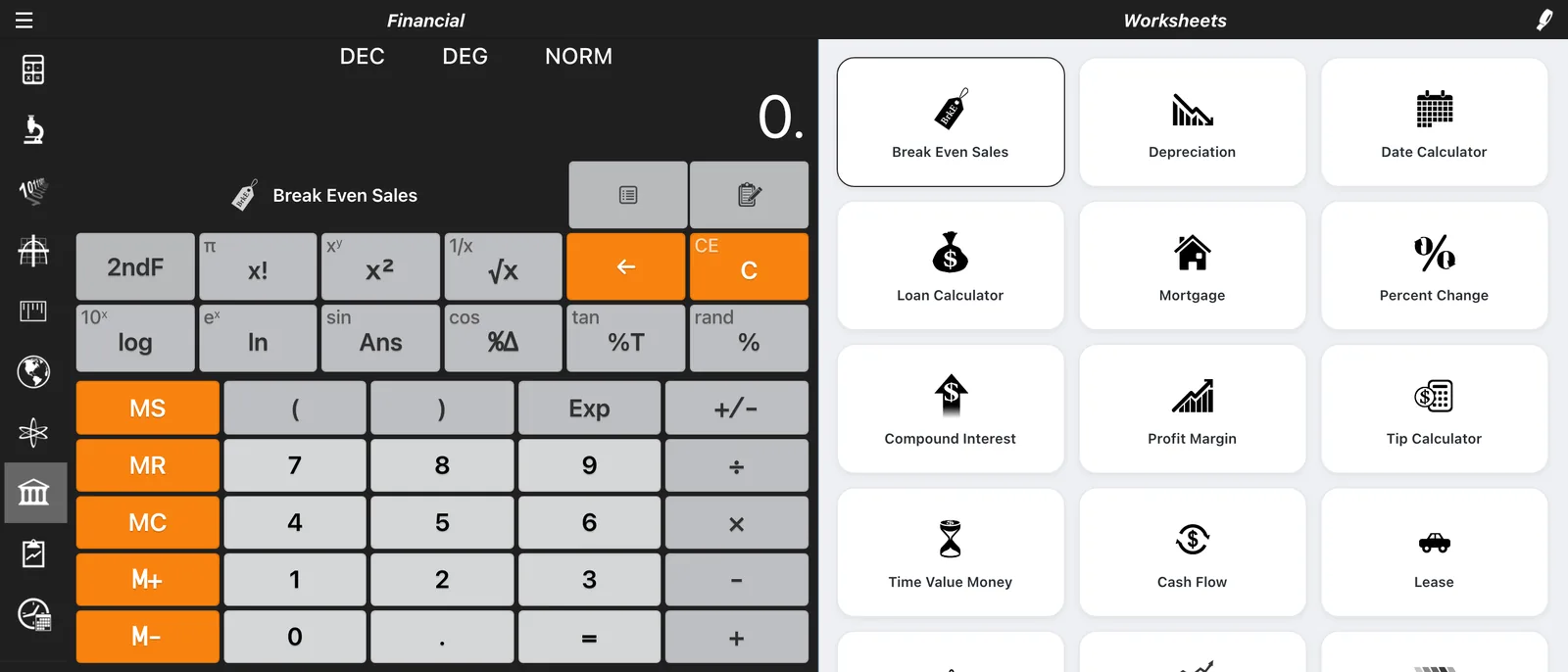
- Financial: Select specific worksheets for Loan, Mortgage, or Profit
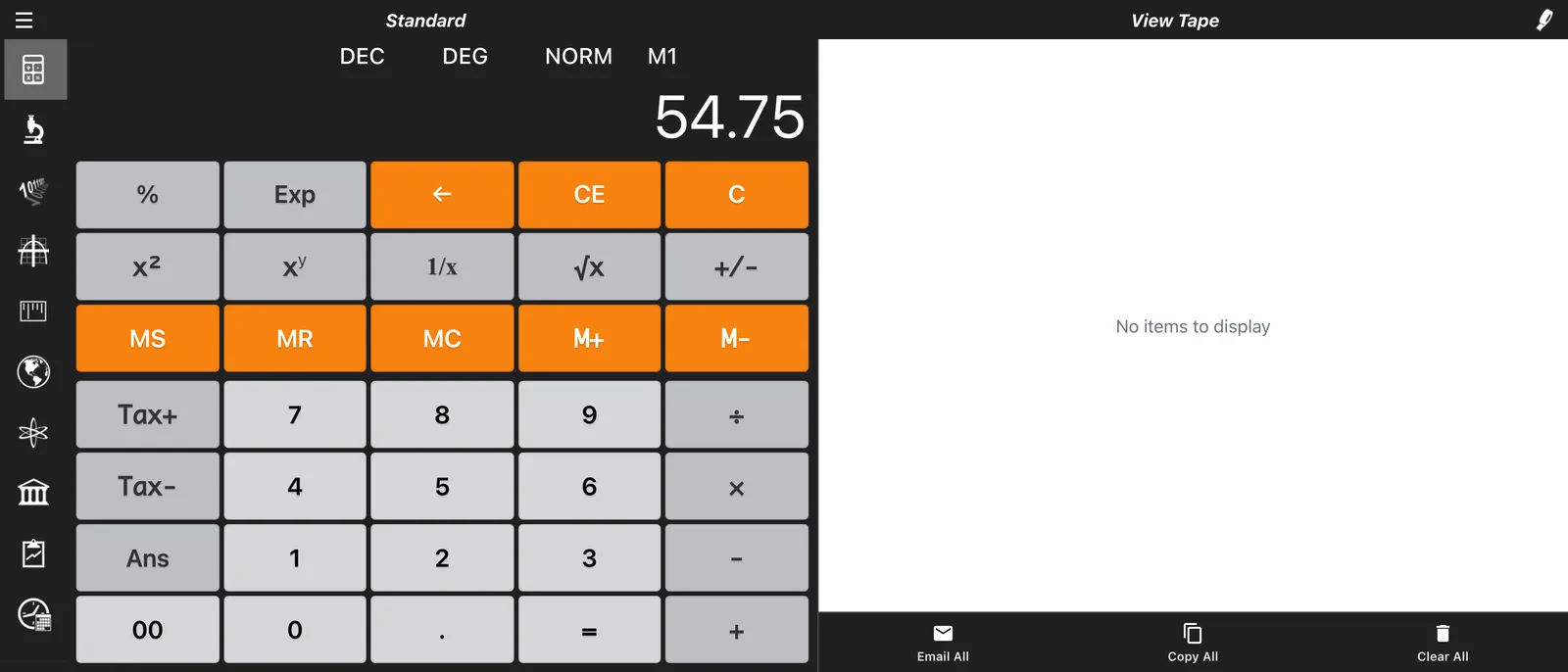
View History (Tape)
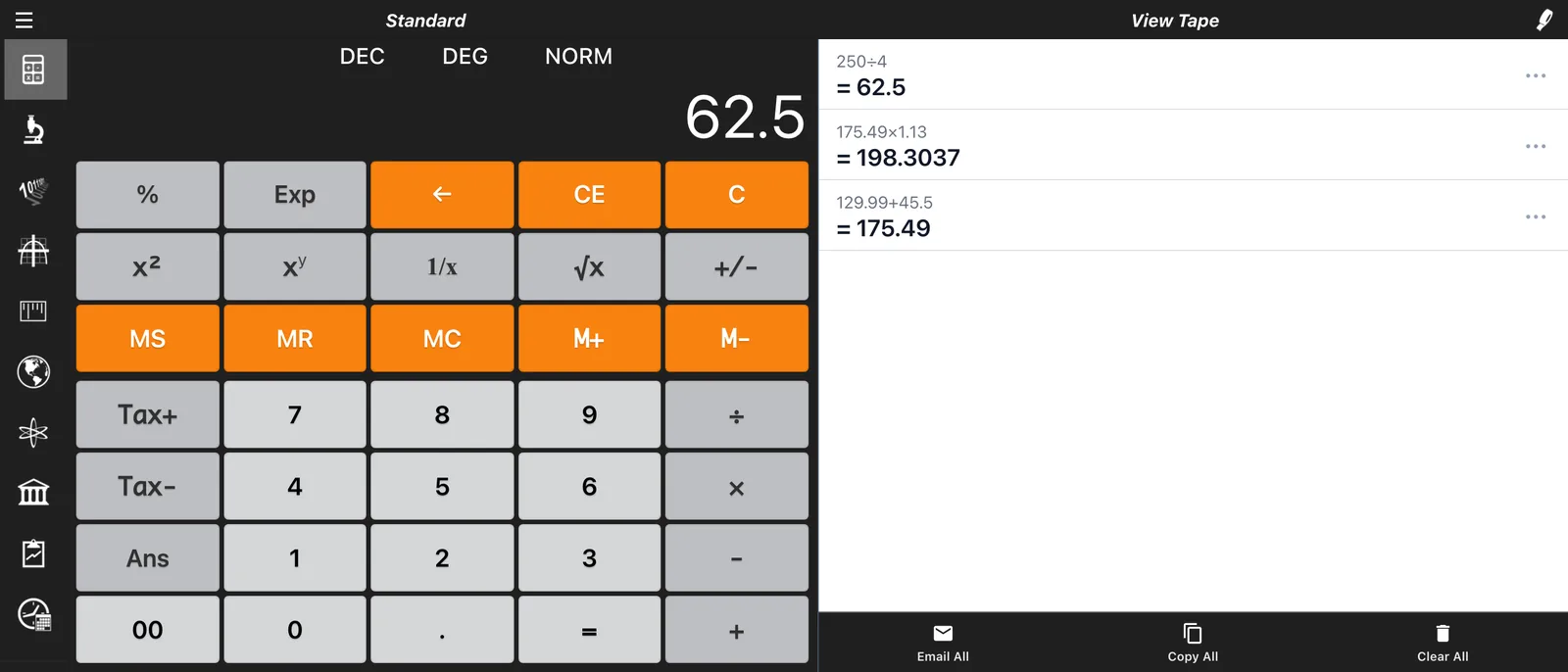
Keep track of your calculations with the built-in Tape View. Every operation is recorded, allowing you to review your work or copy results to your clipboard.
Global Currency Converter
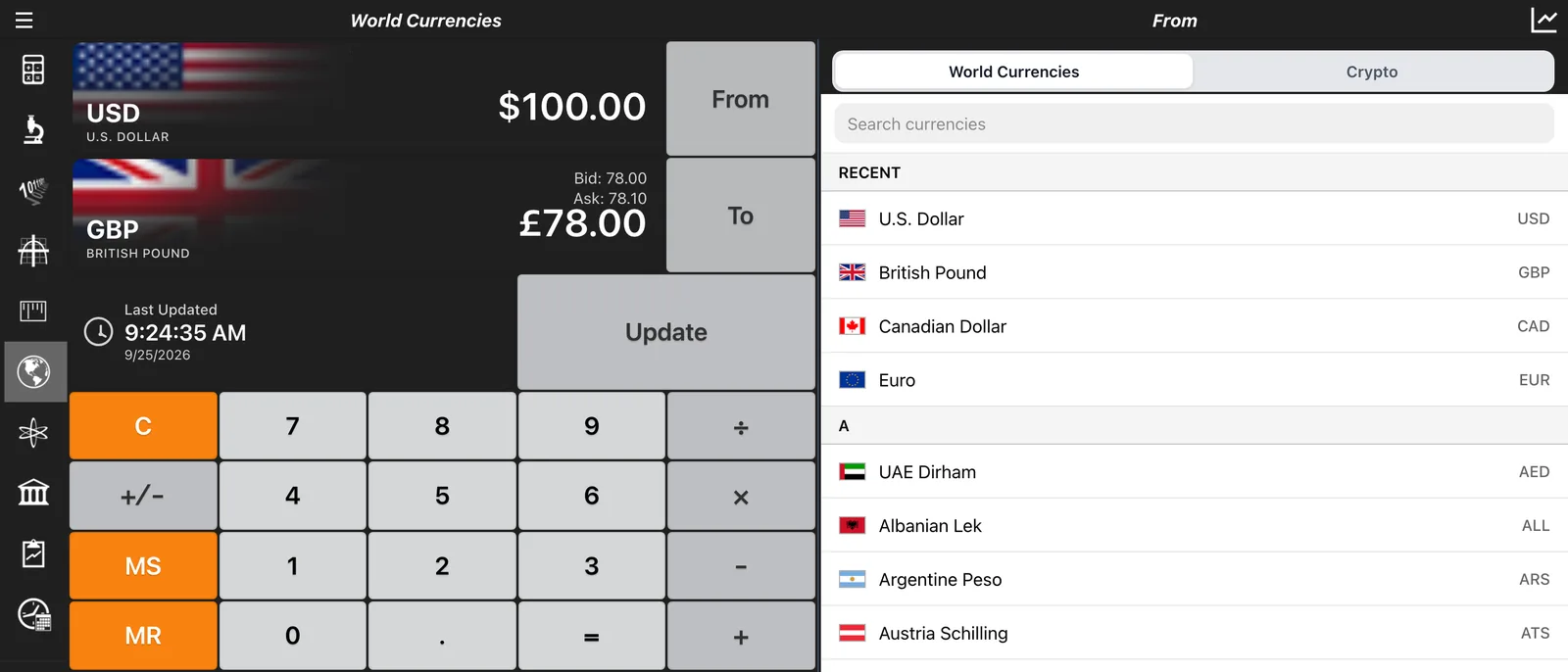
Select World Currencies to convert between 165+ currencies. Rates are updated automatically, ensuring you always have precise conversions for travel or business.
Need more help?
Check out our deep-dive guides for specific projects and calculations.
Calculators Guide
10 Free Calculators in One
Calc Pro runs right in your browser with no download or sign-up. Open the menu (☰) in the calculator's top-left corner to switch between them.
Standard Calculator
Everyday arithmetic with memory functions and a Tape View that records every calculation.
Standard Calculator guide →Scientific Calculator
Trigonometry, logarithms and exponents, with a 2ndF key for inverse and hyperbolic functions.
Scientific Calculator guide →Base Conversions
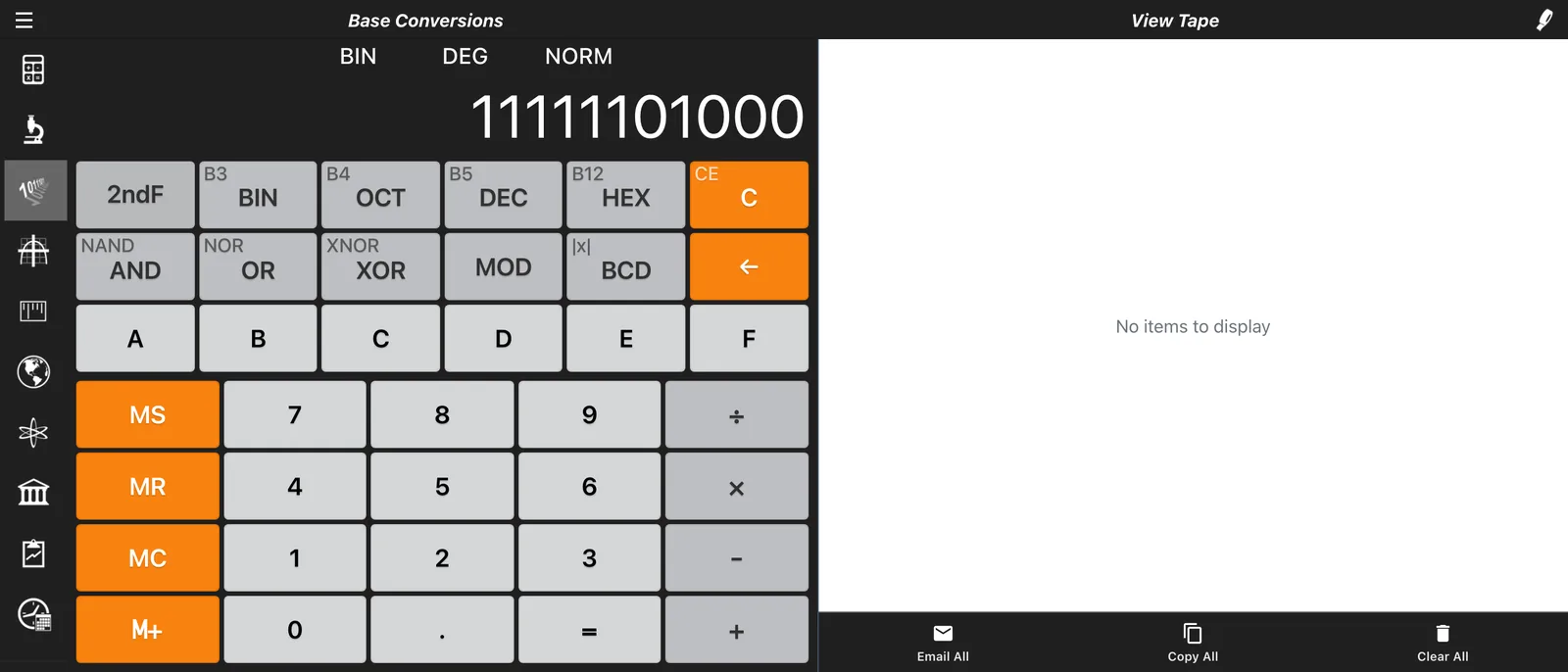
Convert and calculate in binary, octal, decimal and hexadecimal. Built for programmers.
Base Conversions guide →Graphing Calculator
Plot up to 8 equations at the same time, find points on the graph and show tangents.
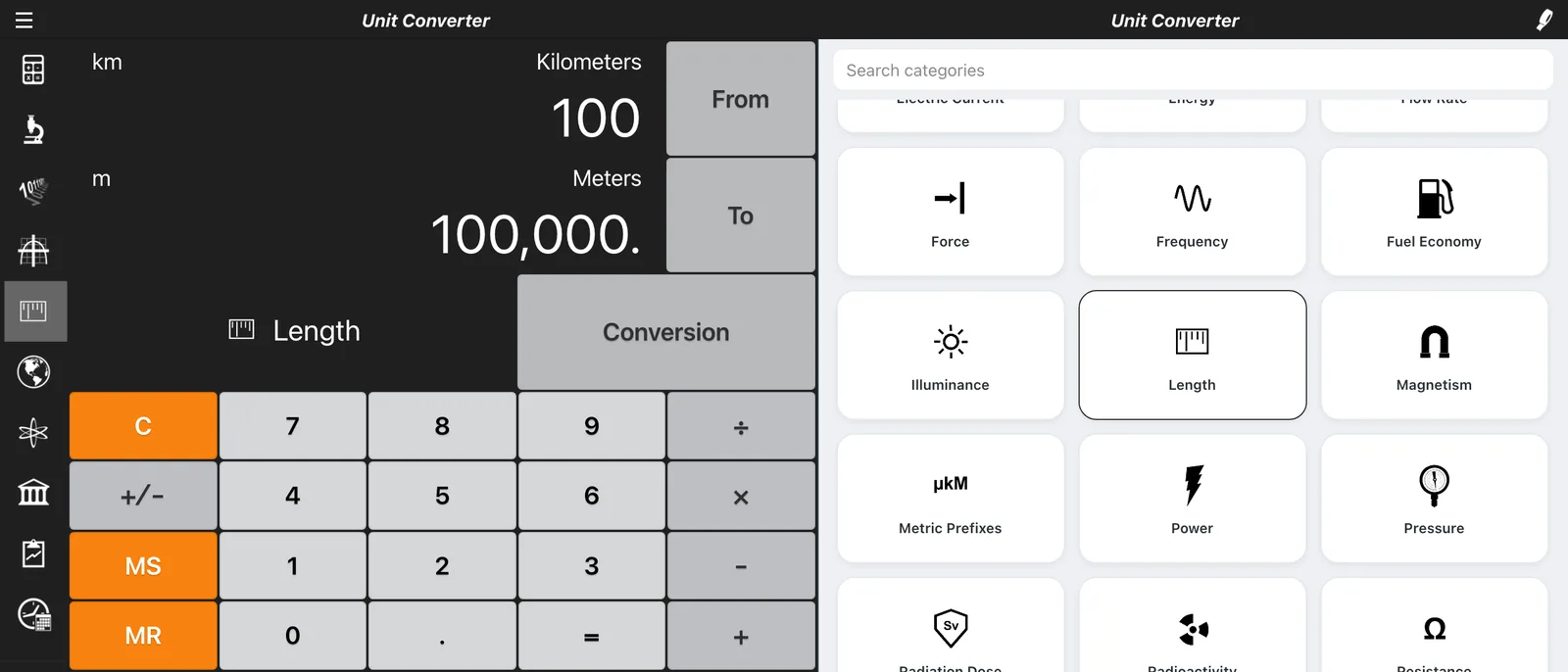
Graphing Calculator guide →Unit Converter
Over 6,000 conversions across 37 categories, from cooking and temperature to voltage and viscosity.
Unit Converter guide →Currency Converter
Convert between 165+ world currencies with exchange rates updated daily.
Currency Converter guide →Constants
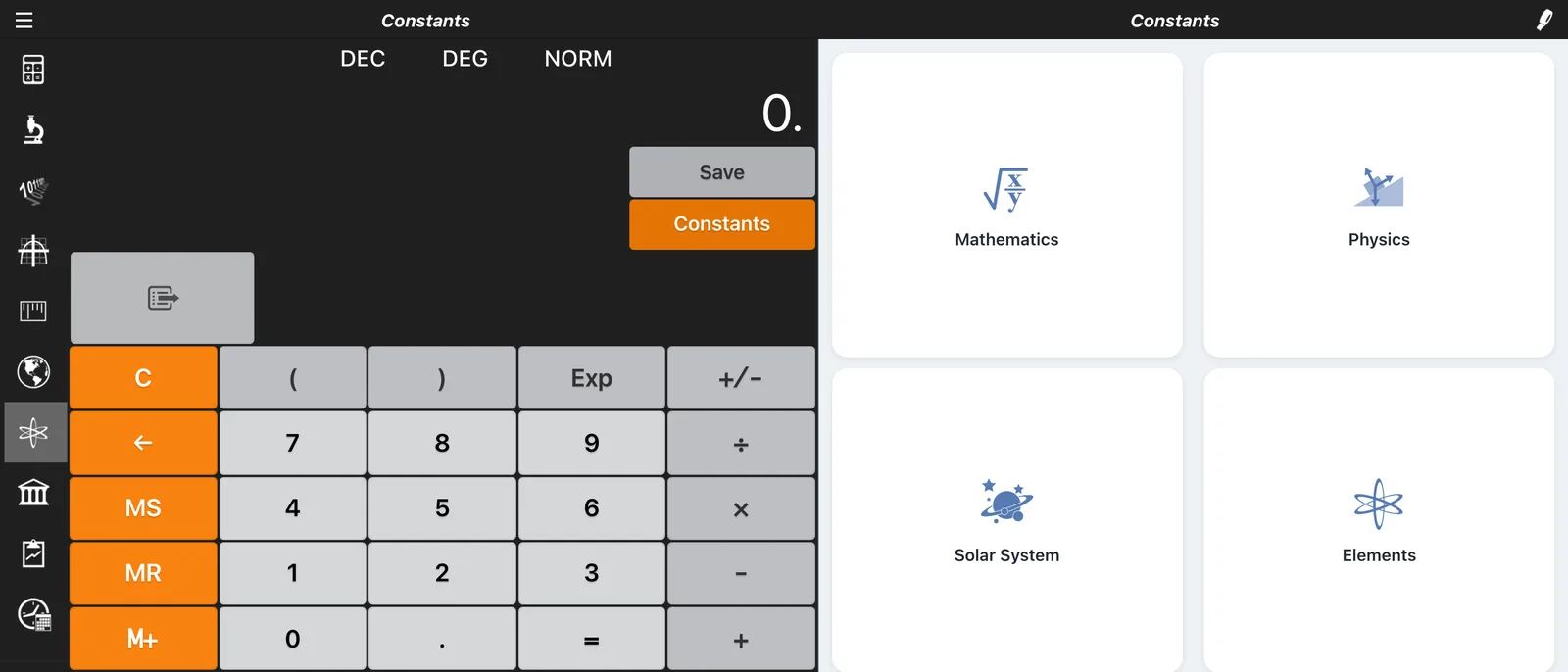
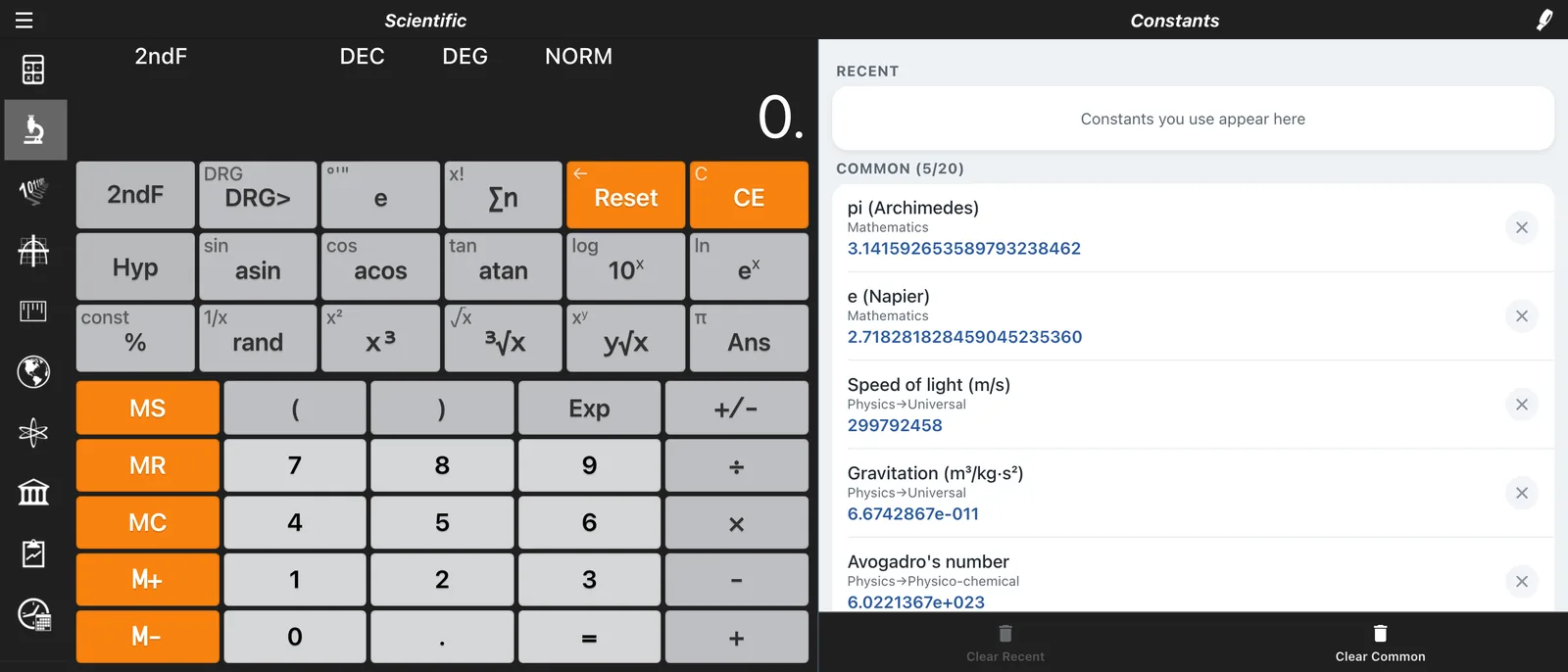
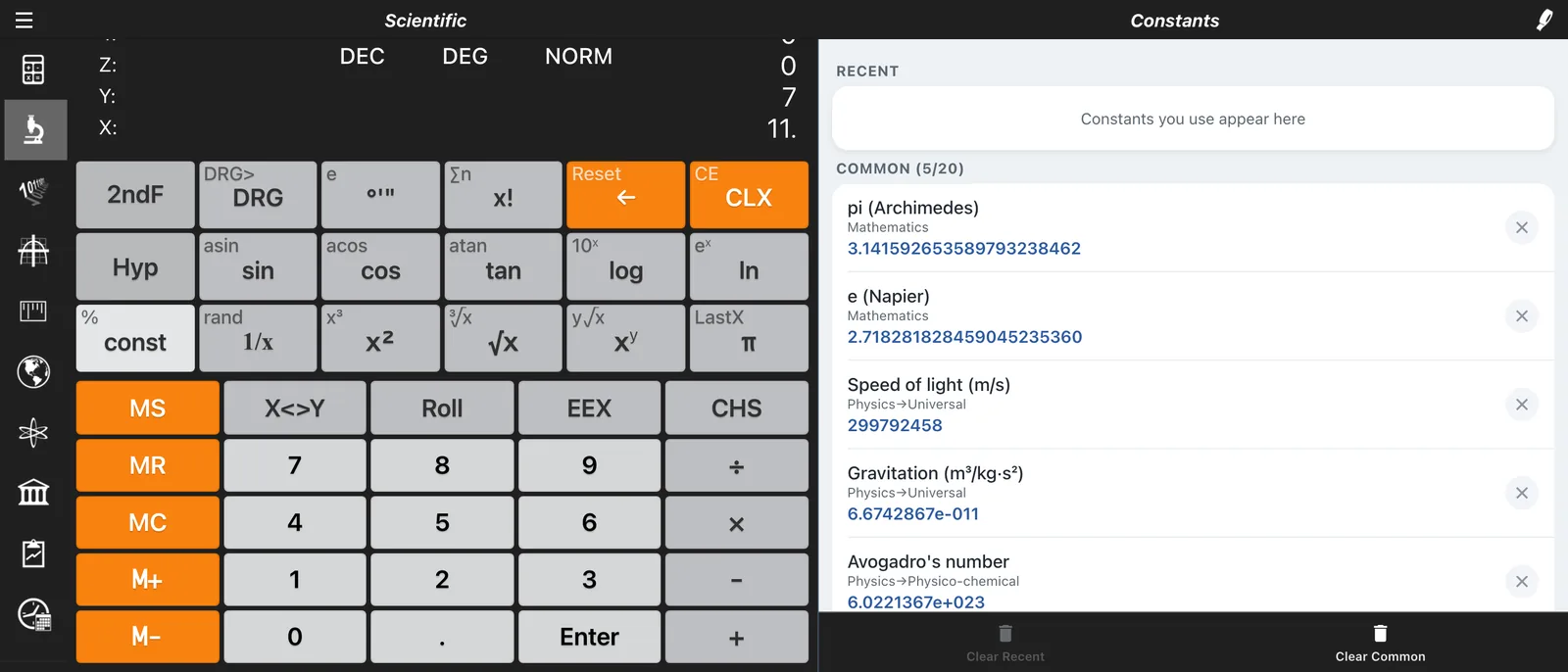
Nearly 2,000 constants across math, physics, astronomy, the elements, chemistry, biology and more.
Constants guide →Financial Calculator
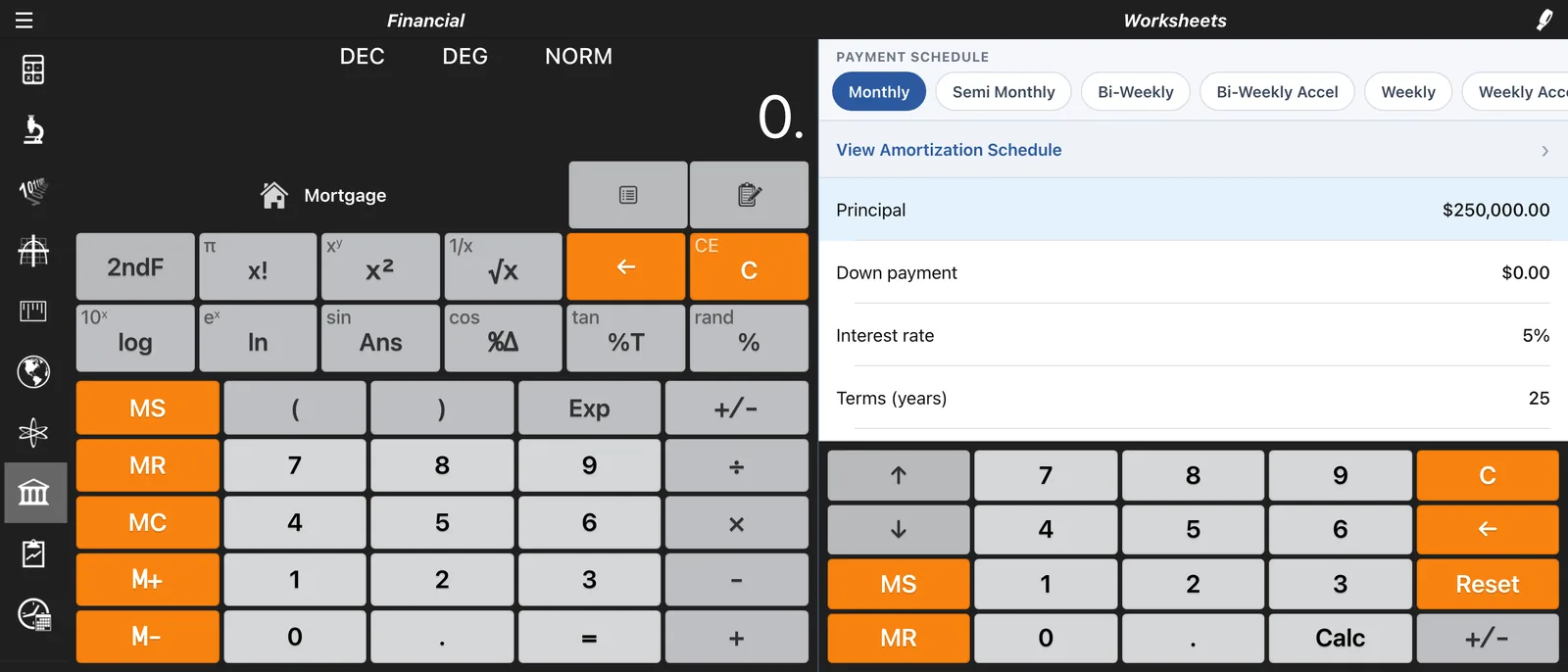
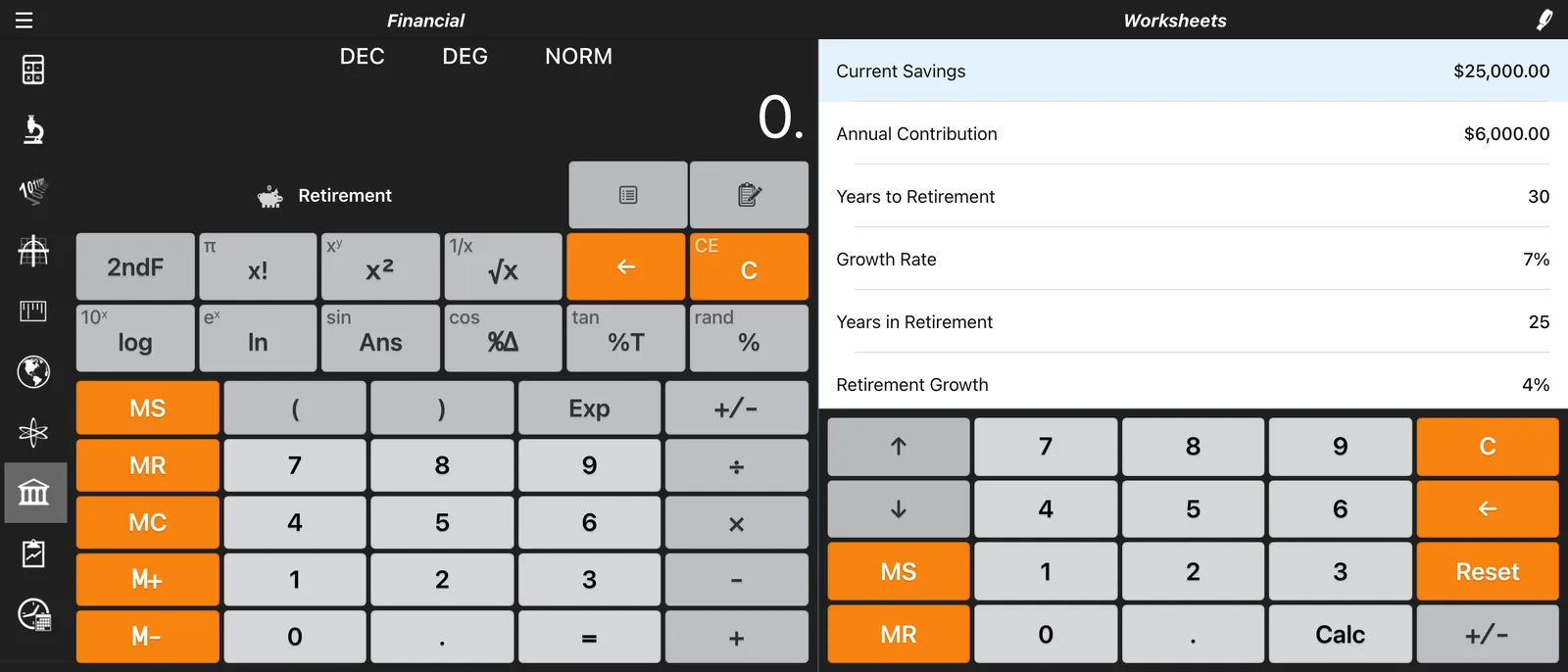
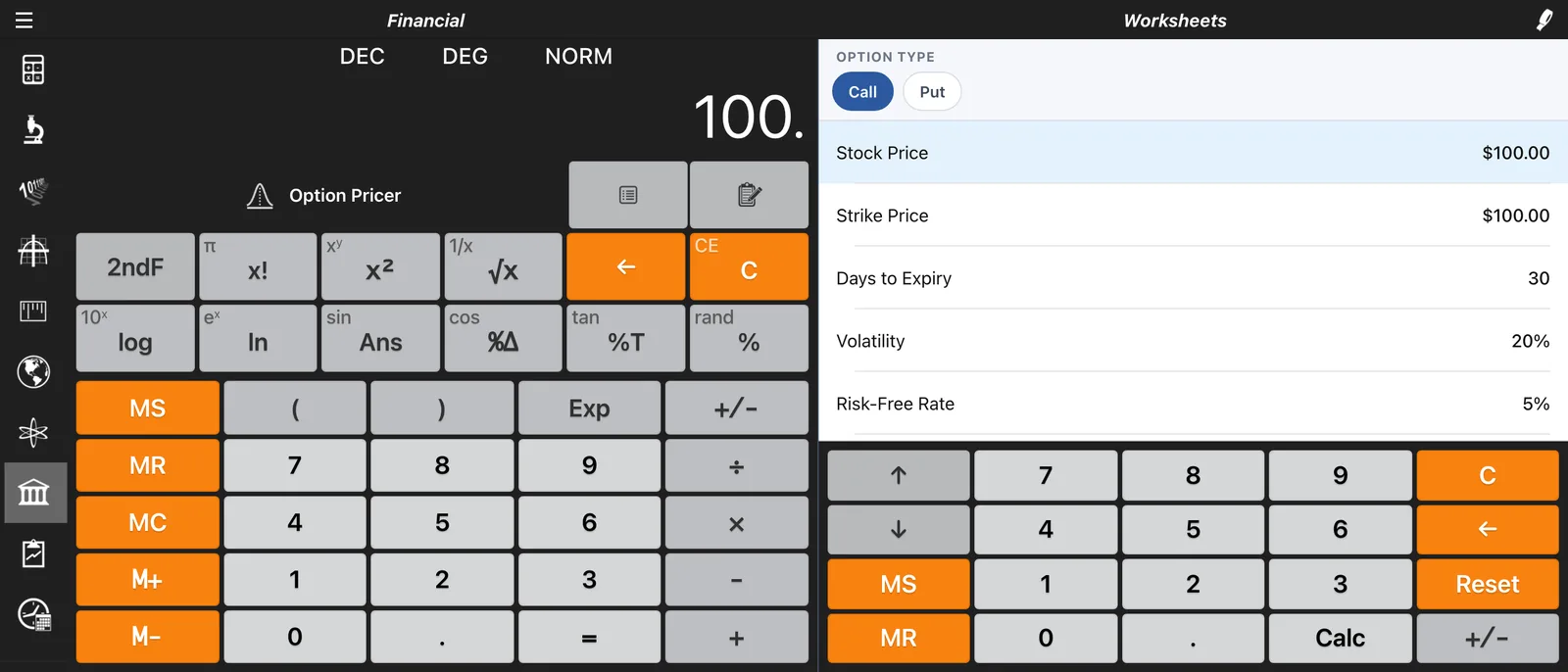
23 worksheets, from mortgages, loans and retirement planning to bonds and options pricing.
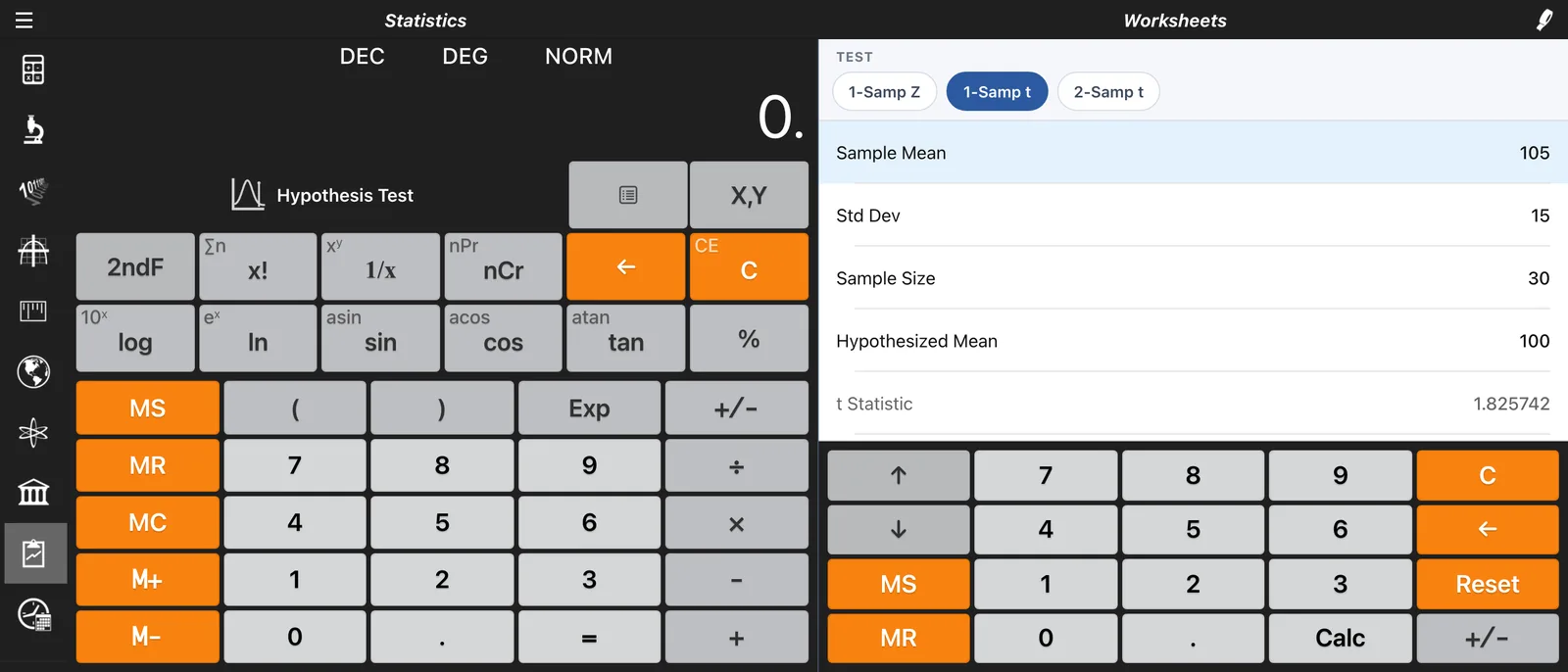
Financial Calculator guide →Statistics Calculator
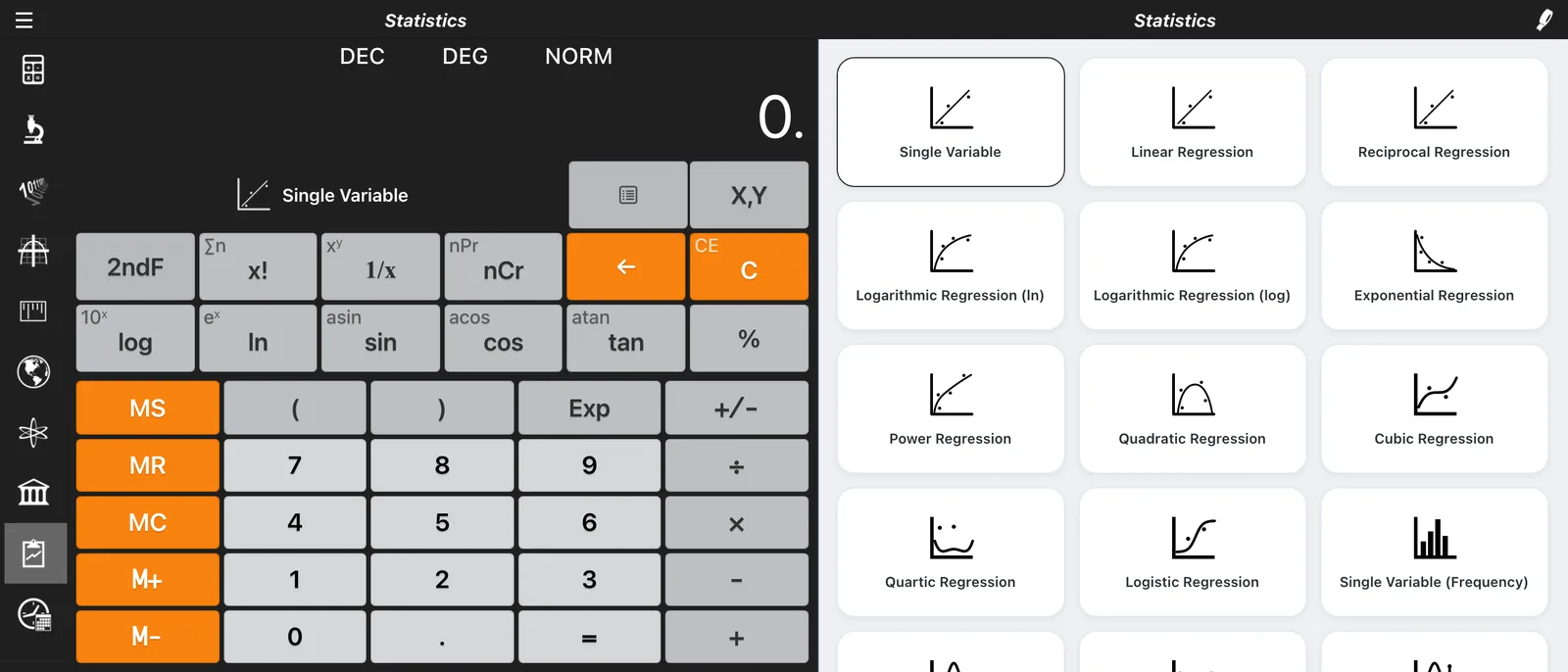
10 regression models, probability distributions, confidence intervals and hypothesis tests.
Statistics Calculator guide →Date & Time Calculator
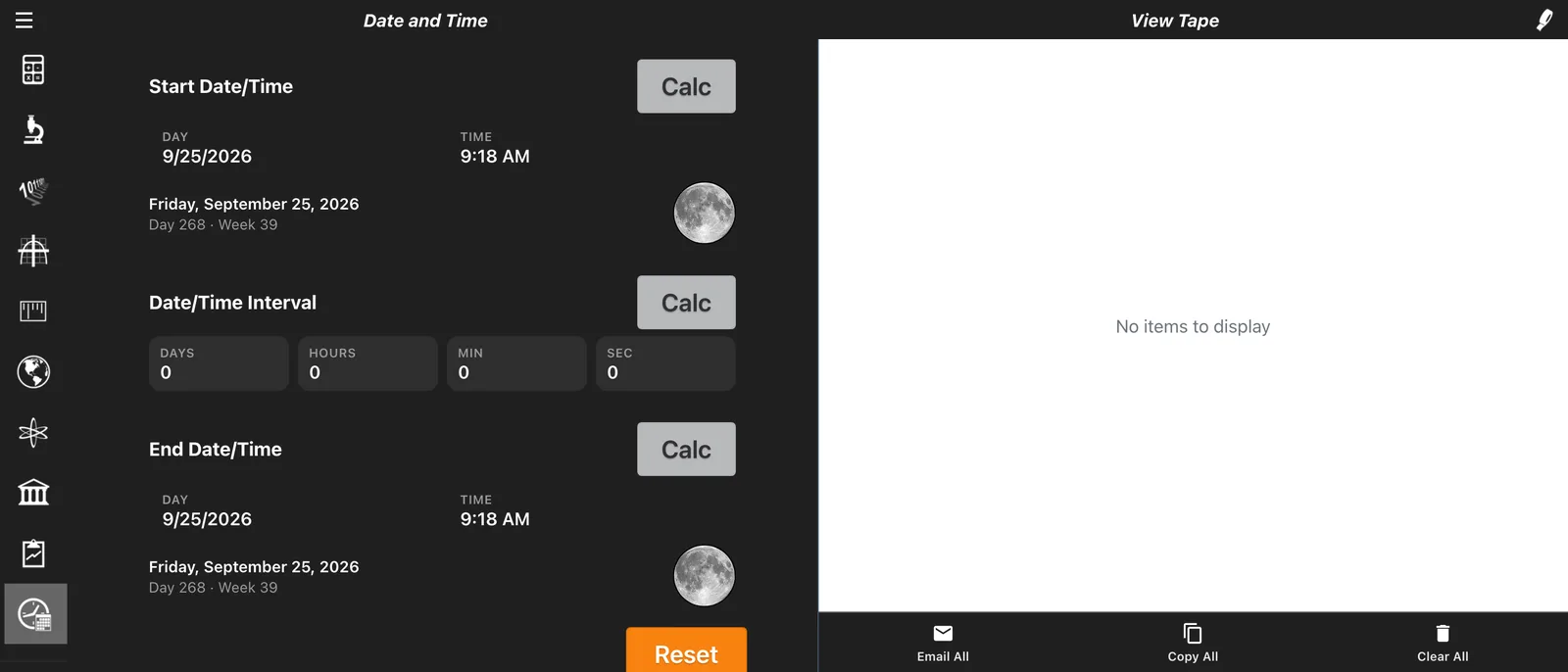
Count the days between dates, add or subtract time, and view lunar moon phases.
Date & Time Calculator guide →Popular Free Calculators
Jump straight to the calculator you need. Each one opens Calc Pro ready to go, with a worked example and tips.
Frequently Asked Questions
Is Calc Pro free to use online?
Yes. Calc Pro's web version is free to use right in your browser, with no download or sign-up required. It's supported by occasional ads.
Are all the features free?
Yes. Every calculator and feature in the web version is free to use, supported by ads. To take Calc Pro with you, get the app for iPhone and iPad from the App Store.
What calculators are included?
Ten: Standard, Scientific, Base Conversions, Graphing, Unit Converter, World Currencies, Constants, Financial, Statistics, and Date & Time. Open the menu (☰) in the top-left corner of the calculator to switch between them.
Does Calc Pro work on phones and tablets?
Yes. Calc Pro works in any modern mobile browser, and you can add it to your home screen for one-tap access. For the full native app, download Calc Pro for iPhone and iPad from the App Store. It's free with ads, and an in-app purchase unlocks the full Pro Premium version. An Android version is coming soon.
Can Calc Pro graph equations?
Yes. The Graphing calculator plots up to 8 equations at the same time, and you can find points on a graph and show tangents.
Can I see my calculation history?
Yes. Tape View records every operation, so you can review your work or copy results to your clipboard.
How often are currency exchange rates updated?
Daily. The World Currencies converter covers 165+ currencies.
Experience the Full Power
Take Calc Pro with you. Download the native application for offline access, enhanced performance, and cross-device synchronization.